
The Hidden Dangers of Poor Web Design for Your Business
Your business makes its initial impression on potential customers through its website in the current digital age. Website design excellence functions as a key factor in boosting brand reliability while helping maintain customer loyalty and acquisition. A bad Web Design will hurt your business extensively. Web Design represents the business image that faces customers online.
Quality web design extends past visual elements because it produces websites that facilitate better user experiences and navigation as well as increase search engine positions. Visitors enjoy a pleasant experience on a well-designed website which enables them to discover products easily and transforms them into paying customers. Your online success together with business expansion depends fundamentally on professional web design whether you operate as an individual small business or a big corporation.
What Elements Can Detract from Good Web Design?
Cluttered Layout
Placing excessive content images and advertising materials on a page makes for an untidy and time-consuming interface. The simplest layout design strategy provides both clarity and usability.
Poor Navigation
People become annoyed by complicated menu structures and dead ends throughout the website so they leave before finding the needed information which leads to a higher bounce rate.
Slow Loading Speed
Site visitors will leave if they encounter slow loading speeds caused by the combination of oversized unoptimized images and excessive animations together with inefficient programming code.
Non-Responsive Design
Users will have a negative experience on any device when a website does not adapt properly to different screen sizes.
Inconsistent Colors and Fonts
A site that mixes too many fonts or conflicting colors becomes difficult to read and destroys both professionalism and content concentration for users.
Too Many Pop-Ups
A high frequency of pop-up windows drives customers to leave the site without seeing any content.
Auto-Playing Media
The automatic playback of media into videos or audio becomes irksome and disturbing when users cannot find a quick method to stop them.
Poor-Quality Images and Graphics
The display of aging or pixelated images negatively impacts website professionalism and deteriorates beauty.
Unclear Call-to-Action (CTA)
Users avoid engaging with a website when buttons and prompts remain unclear because they fail to understand instructions which diminishes both site interaction and conversions.
Lack of Contrast and Legibility Problems
Small or improperly spaced text together with unreadable text against backgrounds makes pages difficult to read thus causing visitors to decrease their site duration.
Busted Links and Errors
Online visitors lose trust when they encounter website errors such as 404 pages and stale information along with broken images or multiple mistakes.
Overuse of Ads
Too many intrusive ads within a site can give visitors the impression of spam and cause them to avoid the page completely.
Ignoring Accessibility
Any website that fails to provide accessible features to users with disabilities automatically blocks a section of potential visitors.
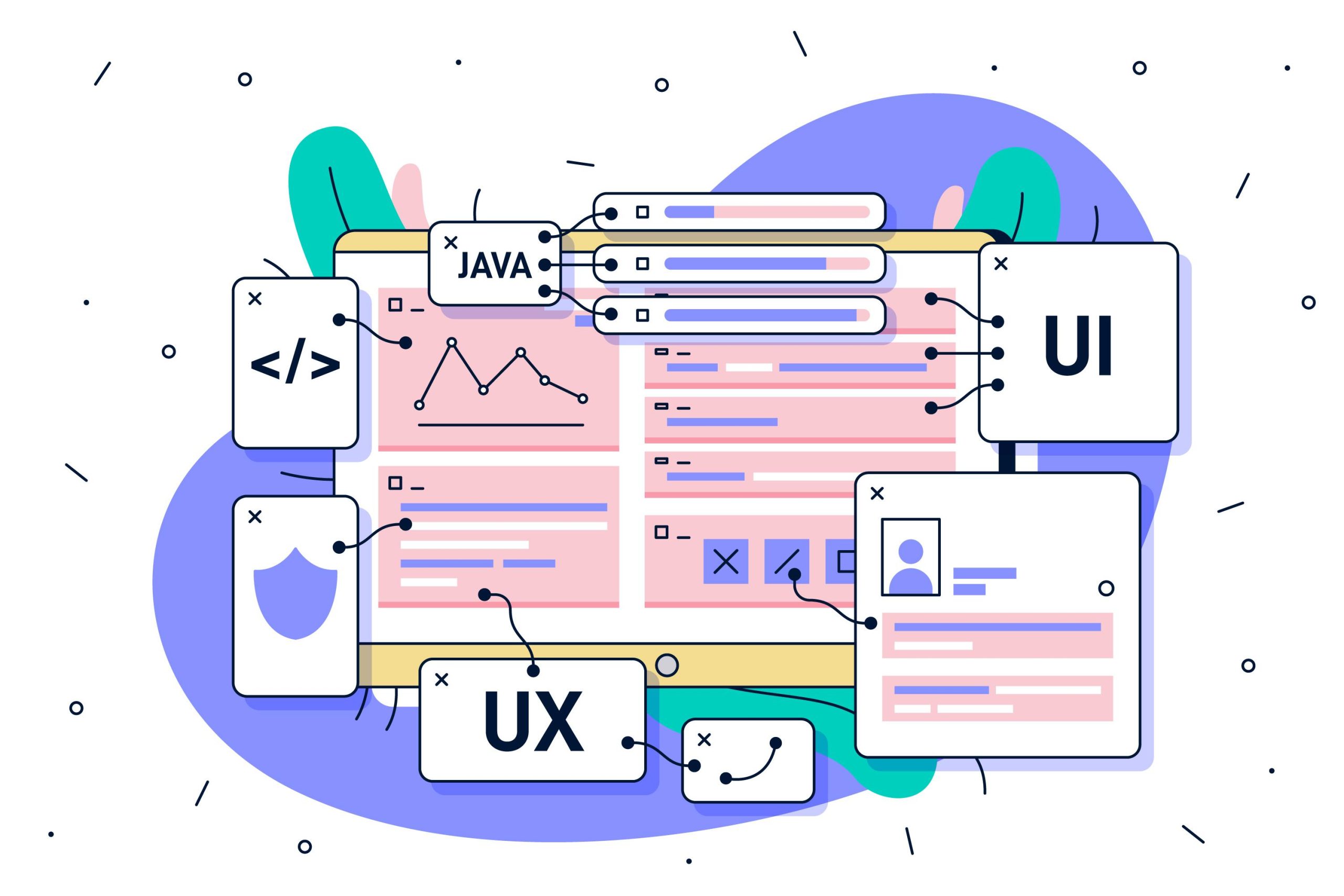
How Poor Web Design Negatively Affects the Business
The Elements of a Perfect Web Design
The complete package of an effective Web Design includes the implementation of Color Psychology while using the appropriate themes alongside aesthetic design choices. Several elements create a complementary effect to improve design elements.
- Layout :- Users should find a structured content organization when following a smooth path without disruptive interruptions. The correct layout structure creates optimal reading conditions which produces better user satisfaction.
- Color Scheme :- Colors create a specific emotional reaction regarding your brand while influencing how users respond to your brand. Caring for brand color selections strengthens brand personality while creating visual appeal.
- Typography :- Visual and reading cohesion depends on the combination of chosen font typefaces with size measurement together with line spacing regulation. Your website becomes more user-friendly when you choose appropriate typography because it provides a distinct professional appearance for visitors.
- Navigation :- Users need very straightforward menus together with user-friendly buttons and links to find information quickly.
- Imagery and Graphics :- A website becomes visually meaningful and strengthens its main message through the inclusion of well-crafted images, videos, and professional graphics.
- Responsive Design :- A website must accommodate all screens to enable a smooth transition between desktops tablets and smartphones.
- Loading Speed :- A website that enhances its loading speed keeps users longer and improves its position on search results. Achieving improved website performance depends on optimizing both server responses as well as image and code parameters.
- Call-to-Action (CTA) :- CTA placement creates essential trigger points that guide users to perform specific actions either as purchasers newsletter subscribers or business contact initiators.
- Content :- A combination of relevant interesting content with proper structure both informs visitor audiences and engages them also improves SEO performance.
- User Experience (UX) and Accessibility :- The system’s accessible design helps users regardless of abilities making the website comfortable for all individuals.
What should you consider to improve your web design and attract traffic?
Optimize Website Speed
- A slow-loading website drives visitors away.
- Your website speed needs optimization through the use of high-quality images, CSS and JavaScript minimization, and browser caching implementation.
- An implementation of Content Delivery Network (CDN) technology will improve website performance.
Ensure Mobile Responsiveness
- Your website needs automatic adaptations for every screen dimension including desktop computers and tablets with mobile phones.
- Web developers should implement either the Bootstrap responsive design framework or properly execute CSS media queries.
- Your website needs testing across multiple devices to verify its smooth performance.

Navigation through the site becomes optimized together with improved User Experience (UX).
- Essential menus should demonstrate high usability and follow simple logical design guidelines.
- Users should find information easily thanks to proper internal linking and obvious category organization.
- Each section of content should be easily readable as you separate elements into distinct headings that lead the view through the page.
Optimize Content for SEO
- Headlines and meta descriptions as well as content need to contain target keywords.
- The creation of premium useful content that answers user inquiries effectively satisfies their needs.
- Structured data (Schema Markup) improves search engine searchability by generating more visible content in results pages.
Your design should display an attractive and neat appearance to users.
- Your layout should be modern, professional, and minimalist in style.
- Your website should display a regular color scheme that accurately represents your corporate branding.
- Your content will appear more readable when you allocate enough white space since its absence creates visual discomfort.
Utilize High-Quality Images and Videos
- The use of poor-quality pixelated images will create a negative amateur look for your website.
- JPEG and WebP image formats should be used to maintain visual quality without increasing file size.
- All images must contain alternative text descriptions because this enhances accessibility measures as well as search engine optimization.
Add Clear Calls-to-Action (CTAs)
- Strategically place your website’s effective CTA buttons which should include phrasings such as “Get Started,” “Buy Now,” and “Contact Us.”
- The design elements of CTAs should display contrasting colors and short descriptive messages.
- Your CTA buttons should be accessible for clicks on every device platform.
Improve Readability and Typography
- Choose readable text fonts together with a logical text hierarchy structure.
- An appropriate combination of font sizes with line heights makes the text more readable.
- The text should consist of short paragraphs and bullet points should be used for content organization.
Improve Website Security and Trustworthiness
- The installation of an SSL certificate along with HTTPS security is vital to protect active user data.
- Security badges alongside review testimonials and verified client testimonials should appear to build trust on your website.
- All contact information needs to be displayed openly to enhance trustworthiness.
Leverage Social Media and Shareability
- The webpage should include social sharing options that enable users to easily distribute your webpage content through their social connections.
- Social engagement will improve by linking user profiles across different platforms.
- A website maintains its relevancy and interest level when content stays fresh and updated.

Minimize Pop-Ups and Intrusive Ads
- Too many intrusive pop-ups should be avoided since they disrupt the user journey.
- Users should find it easy to close pop-ups and you should activate them only at specific moments (like exit-intent pop-ups).
- Show a restricted number of advertisements to stop appearing unprofessional.
Test and Analyze Performance
- You can study user activities through Google Analytics so you will discover what parts need improvement.
- Implementation of A/B testing will help identify optimal improvements for design and content.
- Regular checks should be performed on broken links as well as stale content and slow pages.
“A Web Design Defines your Business, but a poor Web Design Deteriorates your Business”.
A business requires competent web design to succeed online. A poor website damages the business operations along with its owner as it reduces trustworthiness while diminishing conversion opportunities through a negative impact on customer acquisition. Website problems such as slow load times, bad navigation, design unresponsiveness, and visual chaos lead to angry users and adversely affect search engine rankings until the business ends up losing potential sales.
Companies seeking to create interesting websites should focus on fundamental elements which include mobile accessibility and easy navigation along with responsive pages first-class visual elements and appealing content. The user experience gets significantly improved when good SEO practices are added to sites that contain clear call-to-action (CTA) buttons and provide accessibility features. A focus on professional and easy-to-use web design enables companies to build strong brand reputations while driving improved traffic which leads to better conversions for maintaining digital market success.